

Introduction
Starting a YouTube channel is one of the best ways to build your online presence, share knowledge, grow a personal brand, and even earn money online. Whether you want to create videos about technology, gaming, education, vlogging, business, or digital marketing, YouTube offers massive opportunities for creators.
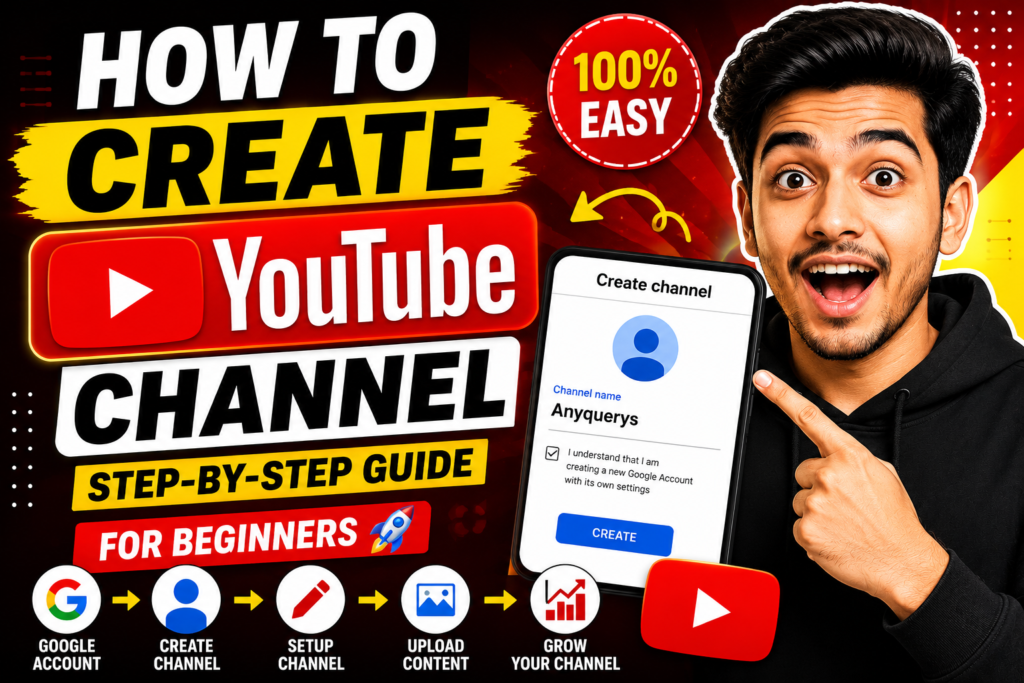
In this complete beginner guide, you’ll learn how to create a YouTube channel step-by-step with proper setup tips, branding ideas, SEO optimization, and channel growth strategies.
Step 1: Create a Google Account
To create a YouTube channel, you first need a Google account.
Follow These Steps:
- Visit Google Account
- Click on “Create Account”
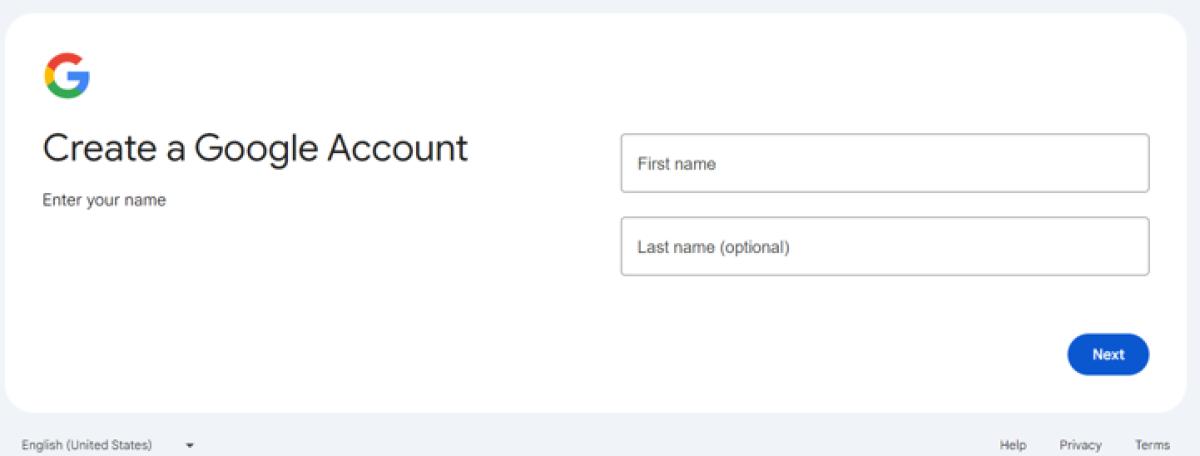
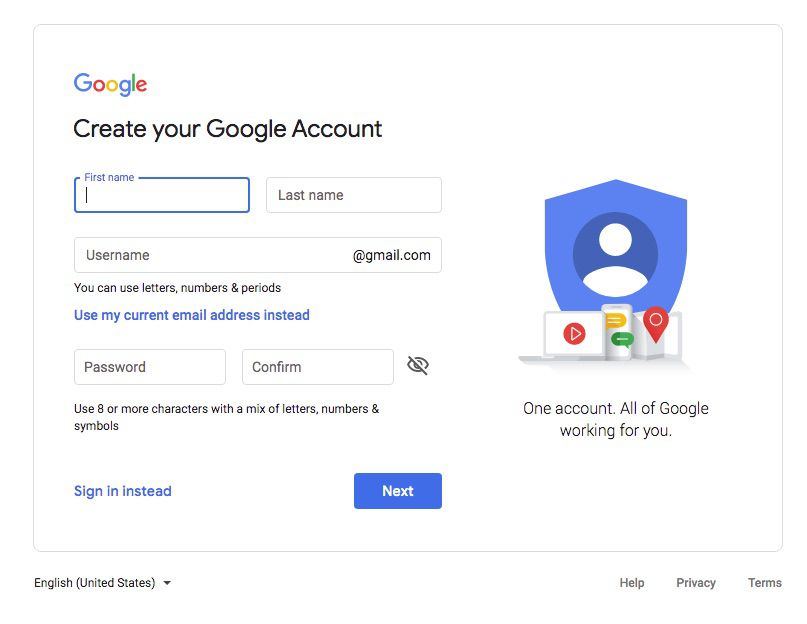
- Enter your name, email, and password
- Verify your mobile number
- Complete account setup
Once your Google account is ready, you can use YouTube services.
Google Account Setup Example
Step 2: Open YouTube
Steps:
- Visit YouTube
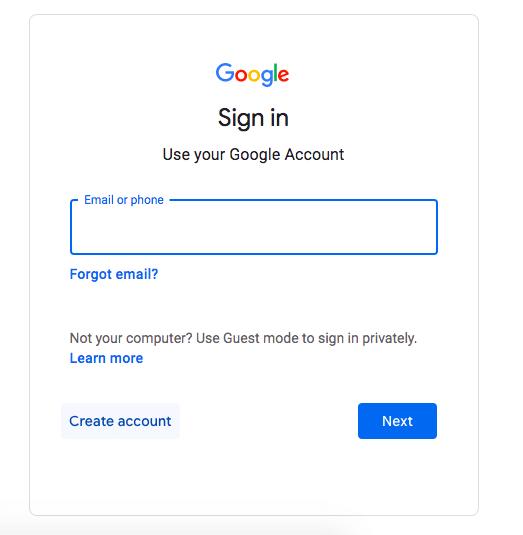
- Sign in using your Google account
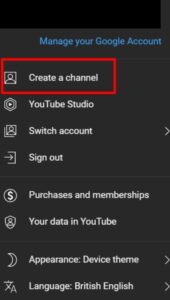
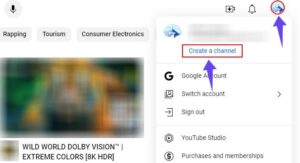
- Click your profile icon in the top-right corner
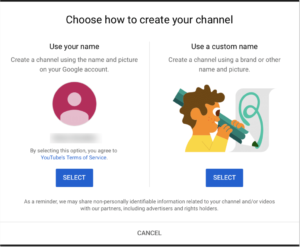
- Select “Create a Channel
YouTube Channel Creation Process
Step 3: Choose Your Channel Name
Your channel name is your brand identity.
Tips for Choosing a Good Channel Name:
- Keep it short and memorable
- Make it easy to pronounce
- Choose a niche-related name
- Avoid numbers and symbols
Example Niches:
- Tech Tutorials
- Gaming
- Education
- Digital Marketing
- Vlogging
- AI Tools
Step 4: Add Profile Picture & Banner
Professional branding helps your channel look trustworthy.
Recommended Sizes:
- Profile Picture: 800×800 px
- Channel Banner: 2560×1440 px
Use Tools:
Step 5: Write Channel Description
Your channel description tells viewers and YouTube what your channel is about.
Example:
“Welcome to our YouTube channel where we share videos related to technology, digital marketing, SEO tips, AI tools, and online business growth.”
Include:
- Main keywords
- Your niche
- Upload schedule
- Social links
Step 6: Verify Your Channel
Verification unlocks extra features like:
- Custom thumbnails
- Longer videos
- Live streaming
Verification Steps:
- Visit YouTube verification page
- Add your mobile number
- Enter OTP
- Verify successfully
Step 7: Upload Your First Video
Now it’s time to upload content.
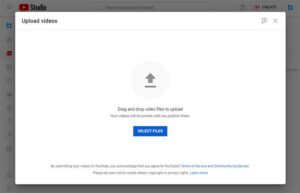
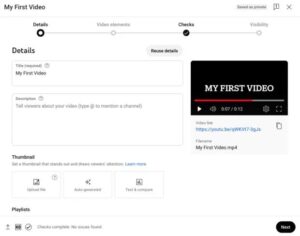
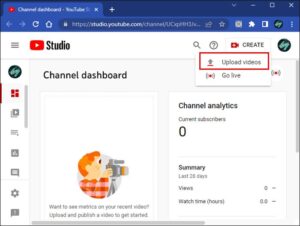
Upload Steps:
- Click the “Create” button
- Select “Upload Video”
- Add title, description, and thumbnail
- Publish your video
Step 8: Optimize Videos with YouTube SEO
YouTube SEO helps videos rank higher in search results.
Optimize:
- Video Title
- Description
- Tags
- Hashtags
- Thumbnail
- Keywords
- Captions
Example Keyword:
“How to Create a YouTube Channel”
Step 9: Create Attractive Thumbnails
A thumbnail increases click-through rate (CTR).
Thumbnail Tips:
- Use bold text
- High contrast colors
- Facial expressions
- Clean design
- Minimal text
Step 10: Stay Consistent
Consistency is key to YouTube growth.
Recommended Schedule:
- 2–3 videos weekly
- 3–5 Shorts weekly
YouTube rewards active creators.
Best Niches for Beginners
Trending Niches:
- Technology
- AI Tools
- Gaming
- Digital Marketing
- Education
- Motivation
- Finance
- Vlogging
Choose a niche you enjoy and can consistently create content around.
Tips to Grow Your YouTube Channel Faster
✔ Upload Consistently
✔ Use YouTube Shorts
✔ Improve Video Quality
✔ Learn YouTube SEO
✔ Engage With Audience
✔ Create Clickable Thumbnails
✔ Focus on Watch Time
✔ Study Analytics
Conclusion
Creating a YouTube channel is simple, but growing it requires consistency, quality content, and smart optimization. Focus on valuable videos, strong branding, and audience engagement to build a successful channel over time.
Start today, stay consistent, and keep improving your content with every upload.